
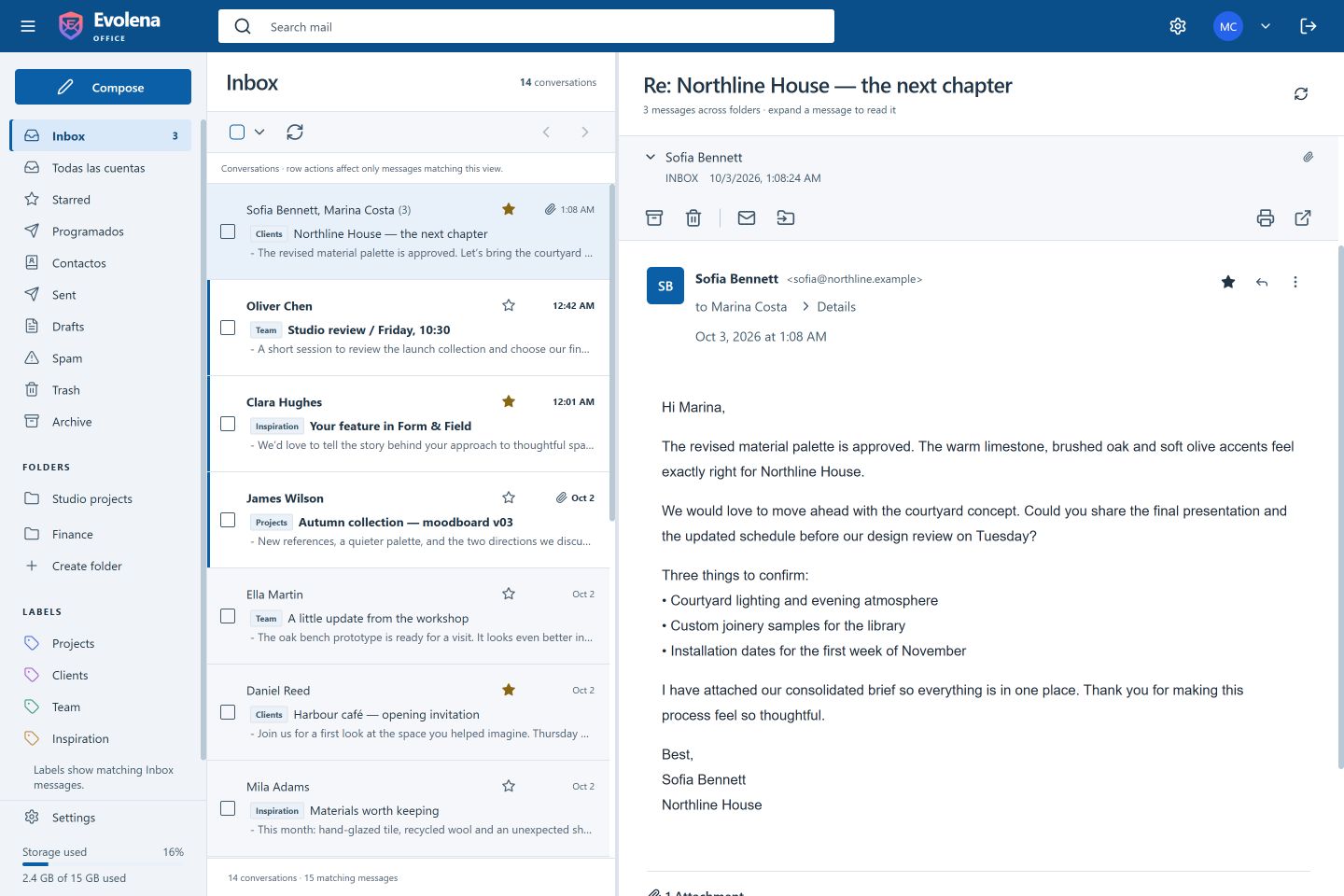
Read the conversation in context.
Expand original messages and replies in a single conversation, including related messages in Sent and Archive. Each message keeps its sender, date and source folder.
Choose the reading panel available in your skin, or open a message on its own. Reply, forward and work with attachments from the message you are reading.
- Expandable messages with their original context
- Unread states, stars and attachment indicators
- Account switching and a unified inbox
Give different messages their own space.
Optional tabs separate Primary, Promotions, Social, Updates and Forums. Classification uses message signals and rules; you can correct a category and set a preference for a sender.
Categories change how you see Inbox. They do not move messages into new server folders, and they are not a spam filter. Folders and labels remain available for your own organization.
- Enable categories per account
- Review and undo category changes
- Create folders and apply labels
Turn a good search into a shortcut.
Combine sender, recipient, subject, reception dates, read status and attachment filters. Search results keep their account and message context so you can open the right original.
Save frequently used searches with a name. Opening a saved search runs it against current mail; it is a live shortcut rather than a fixed copy of old results.
- A visual advanced-search panel
- Named searches with archive and restore
- Useful for recurring projects, senders and attachments