Find
See what needs your attention
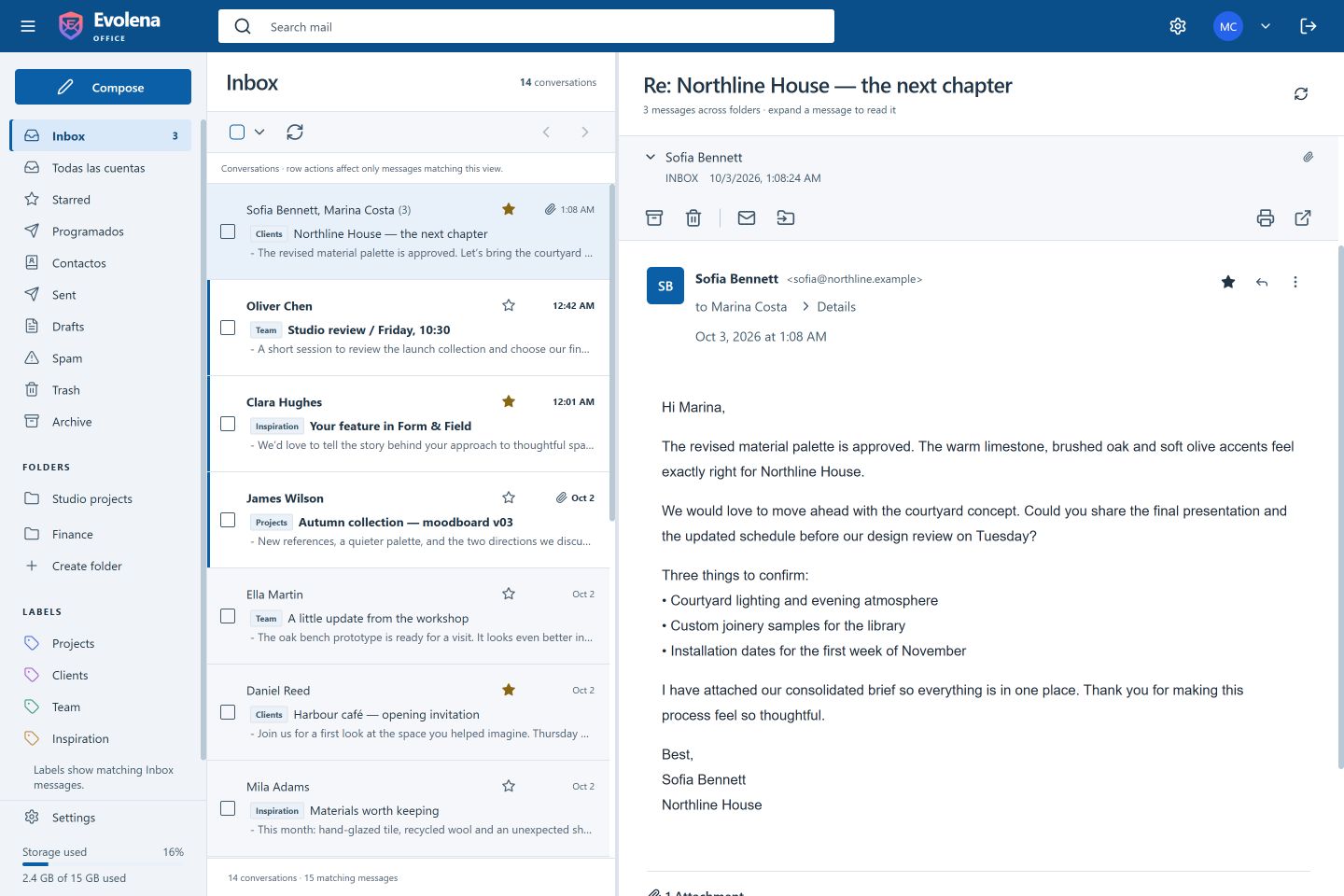
An organized inbox, categories, search, and follow-up tools help you find a conversation and pick up where you left off.
A better place for your email
A thoughtful email workspace for the conversations that move your work forward. Find what matters, reply with confidence, and stay in sync with your team.
For people and teams who take email seriously.
 Evolena
Hi team, everything is ready for Thursday. I added the notes below so we can all work from the same page.
Email can be busy without making your day feel busy. Evolena keeps the familiar parts of mail close at hand and gives every conversation a clearer place to live.
An organized inbox, categories, search, and follow-up tools help you find a conversation and pick up where you left off.
Build polished replies with professional signatures and reusable response templates, right inside your mail workflow.
Shared mailboxes bring assignments, internal notes, and conversation status into one place for the people who have access.
An organized inbox, categories, search, and follow-up tools help you find a conversation and pick up where you left off.
Everything is ready. I added the notes below...
Here is the latest version for your review.
Tuesday works for me. See you then!
Build polished replies with professional signatures and reusable response templates, right inside your mail workflow.
Thanks, Maya. We have everything we need for Thursday. I’ll share the final details with the team this afternoon.
Shared mailboxes bring assignments, internal notes, and conversation status into one place for the people who have access.
We would love to hear how you might approach this. Could we discuss a few details?
The latest files are ready. Jordan is taking care of the reply.
Internal note · visible to the teamWhen an email belongs to a team, everyone with access can see what has happened and who is taking care of it. Keep the discussion around the work, without forwarding the same message again and again.
I have the project details. I’ll draft a reply this afternoon.
Jordan · visible to the teamUseful defaults and clear controls make everyday email feel easier to manage. Choose the appearance that suits you, and decide when a message may load remote images.
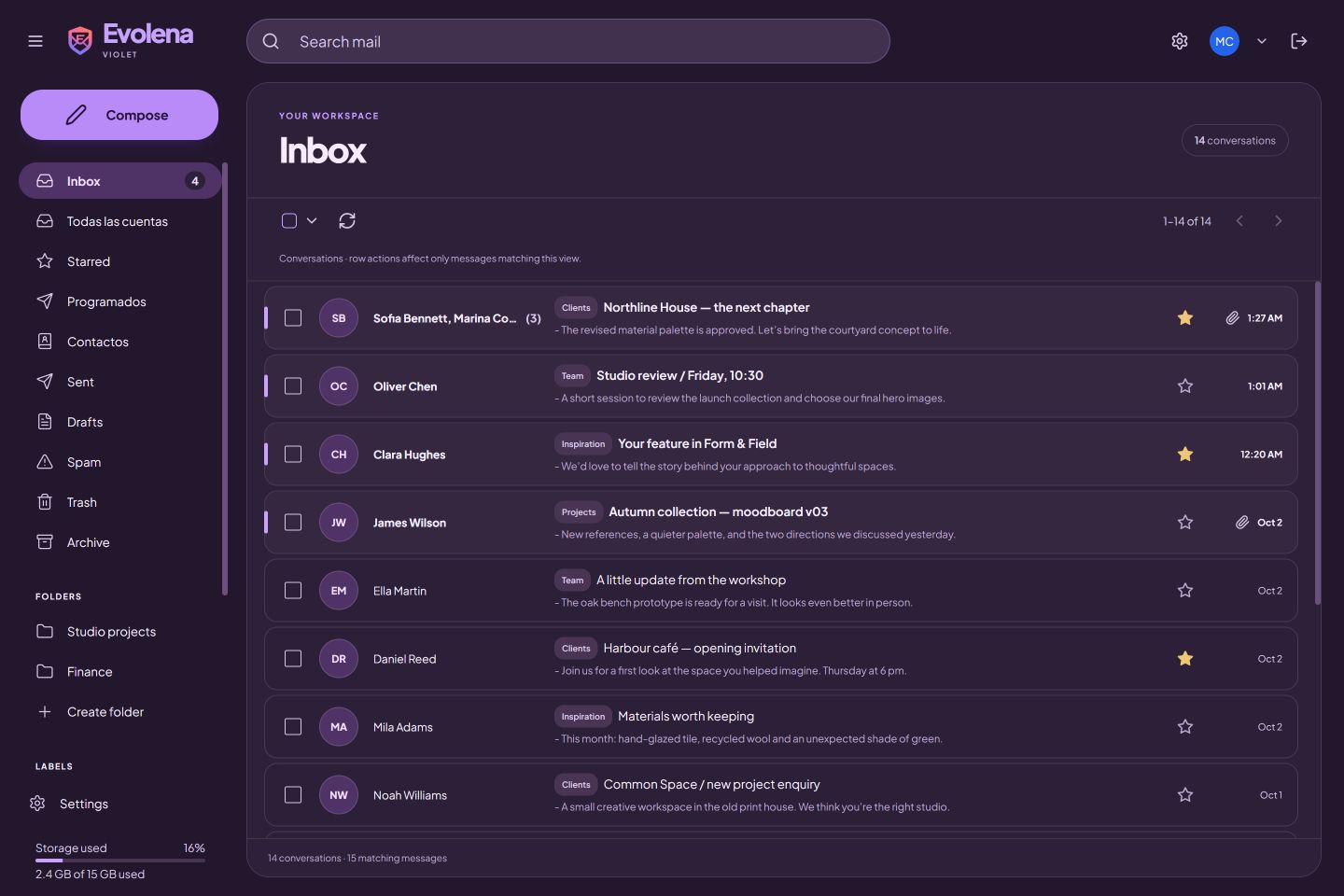
Choose among available visual styles and light or dark appearance.
Remote images can stay blocked, with a setting to change that preference.
Ready to see it in action?
Tell us about your team and what you need from your inbox.